Magimail · Open source for macOS

Tame your inbox with a little sorcery.

All of Gmail, in an app that looks and feels like it came with your Mac. Supports multiple accounts so no switching back and forth between tabs or browser profiles.

macOS 14 or later · Apple silicon only

A postal envelope with a lifted flap and a gold star at its corner

What makes it a Mac app

Gmail in a tab can never fully break free of the browser. Magimail lives in your Dock alongside your other apps, and plays nicely the rest of your Mac.

Every account, properly isolated

Every account keeps its own sign-in. No signing out, no switching, no wondering which address just sent that.

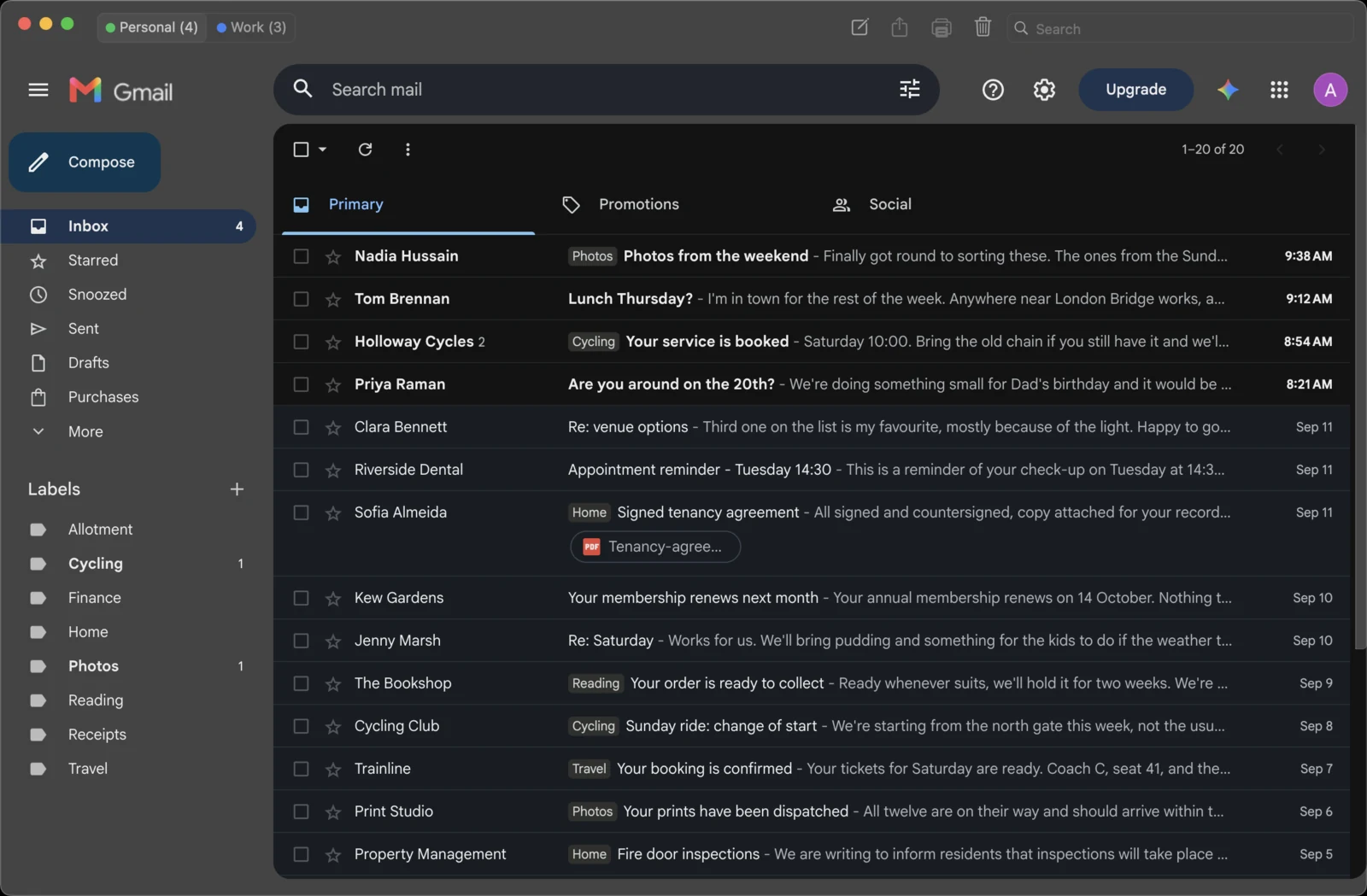
  • Each account carries its own colour, on its tab, in the menu bar and on its notifications.
  • Switch with ⌘1 and ⌘2, or click its tab.
  • Accounts you aren't looking at don't sit there using memory, but they still check for new mail in the background, so counts and notifications stay right.
  • Your desktop shows through the sidebar the way it does in Mail and Finder, in light and dark alike.
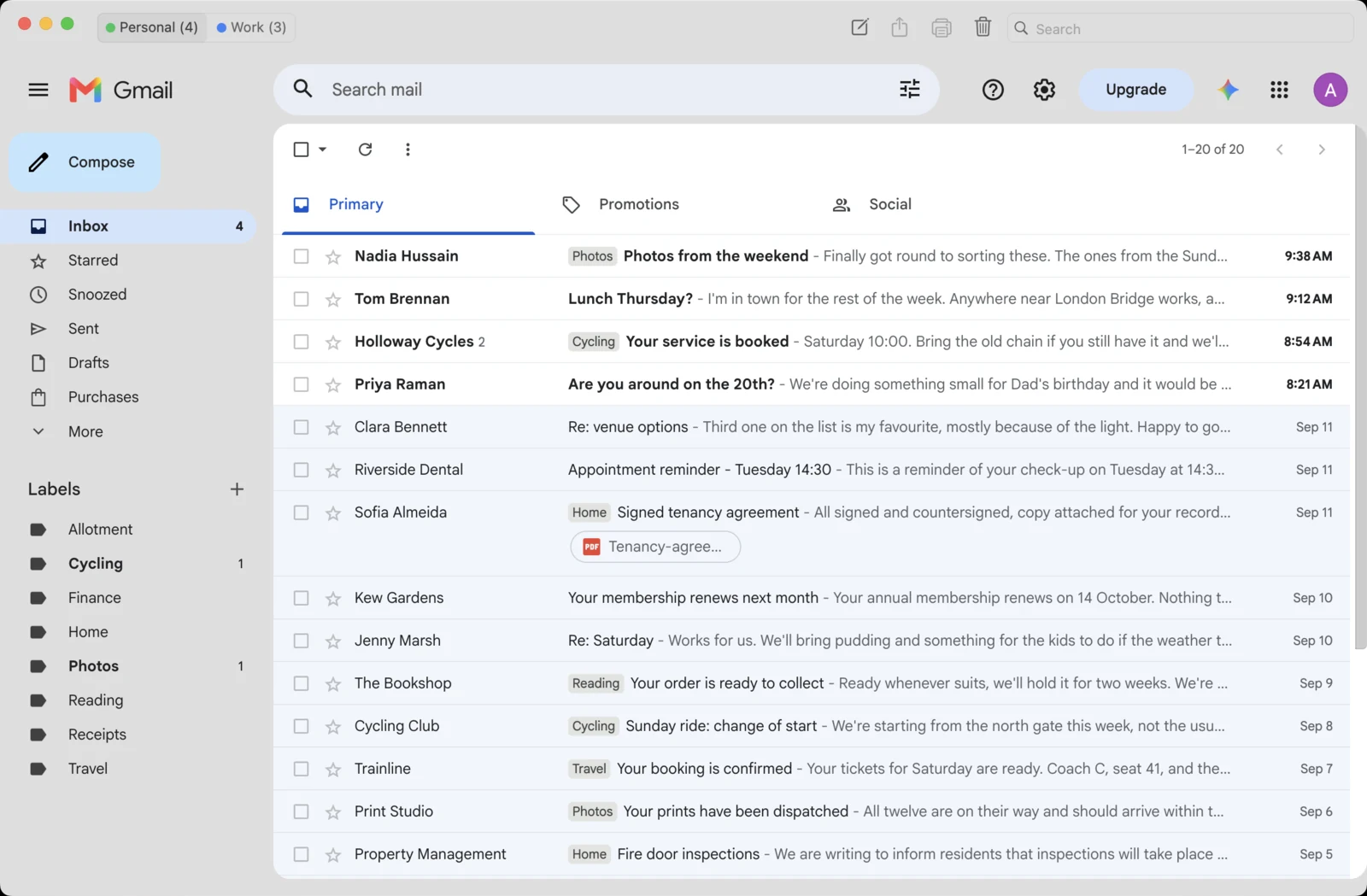
The Magimail window in light mode, with Personal and Work tabs in the toolbar, each with its own colour dot and unread count The same window in dark mode

Your inbox from the menu bar

A quick, unobtrusive way to manage your inbox without opening the full window.

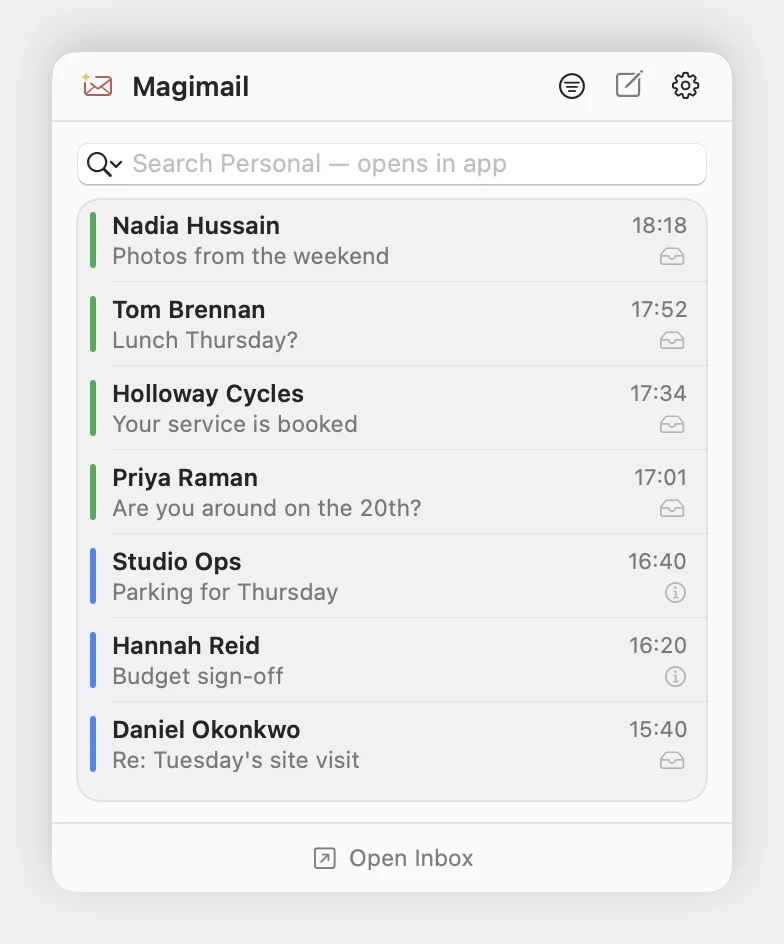
  • Choose what sits next to the icon: a count for each account in its own colour, the colours on their own, a single total, or nothing at all.
  • Open it and see one account, or all of them at once.
  • Click a message to jump straight to that thread in the main window.
The Magimail panel in the menu bar, listing unread messages with tabs for all accounts, Personal and Work

And on the desktop too

The same glance, without even going to the menu bar.

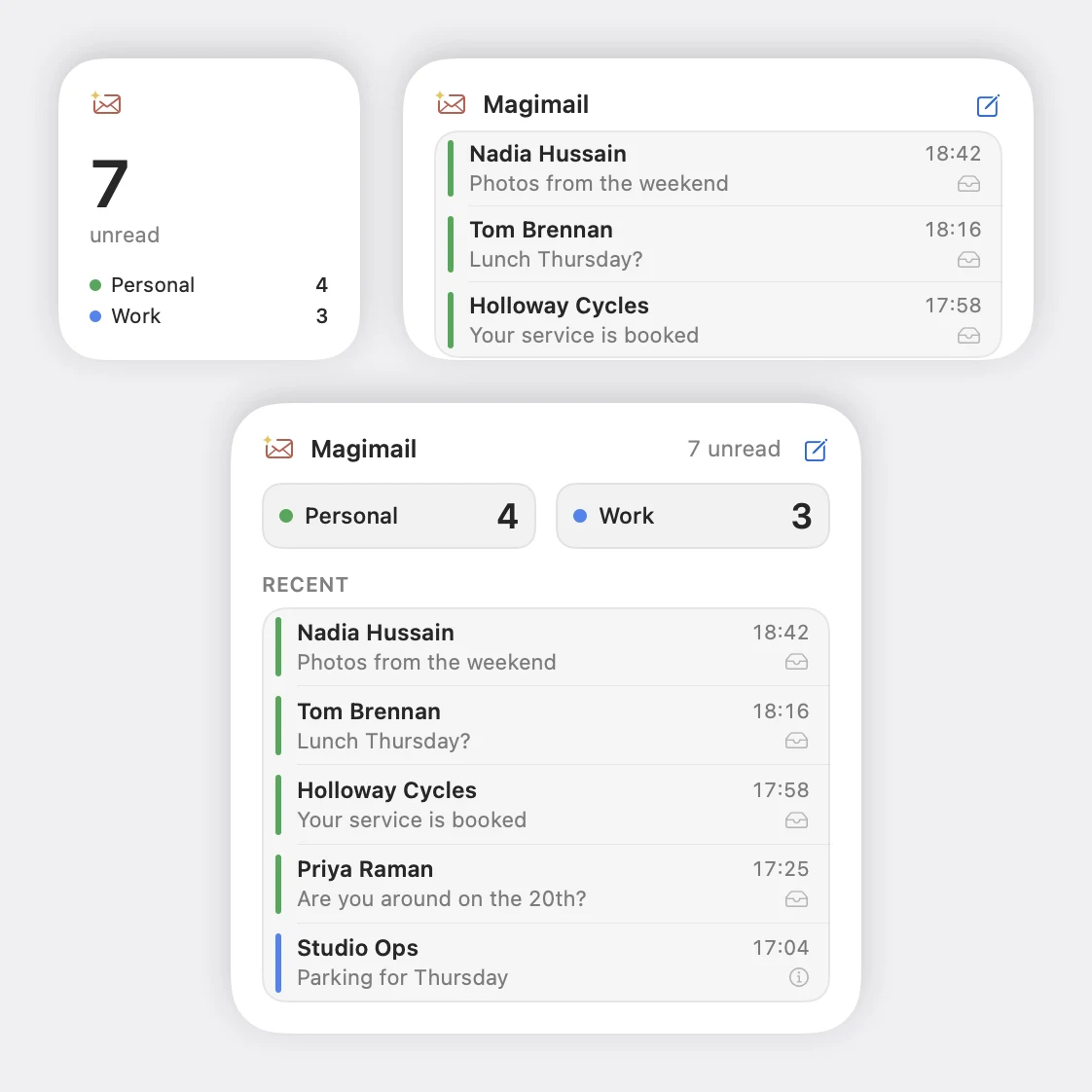
  • Four sizes, from a single unread number to the full list shown here.
  • Each account is counted on its own, in its own colour.
  • Click a message to open that thread, or start a new one straight from the widget.
The large Magimail widget on the desktop, showing unread counts for both accounts above a list of recent messages

A toolbar you can rearrange

A real Mac toolbar, not a row of buttons drawn in a web page, so it behaves like every other one you use.

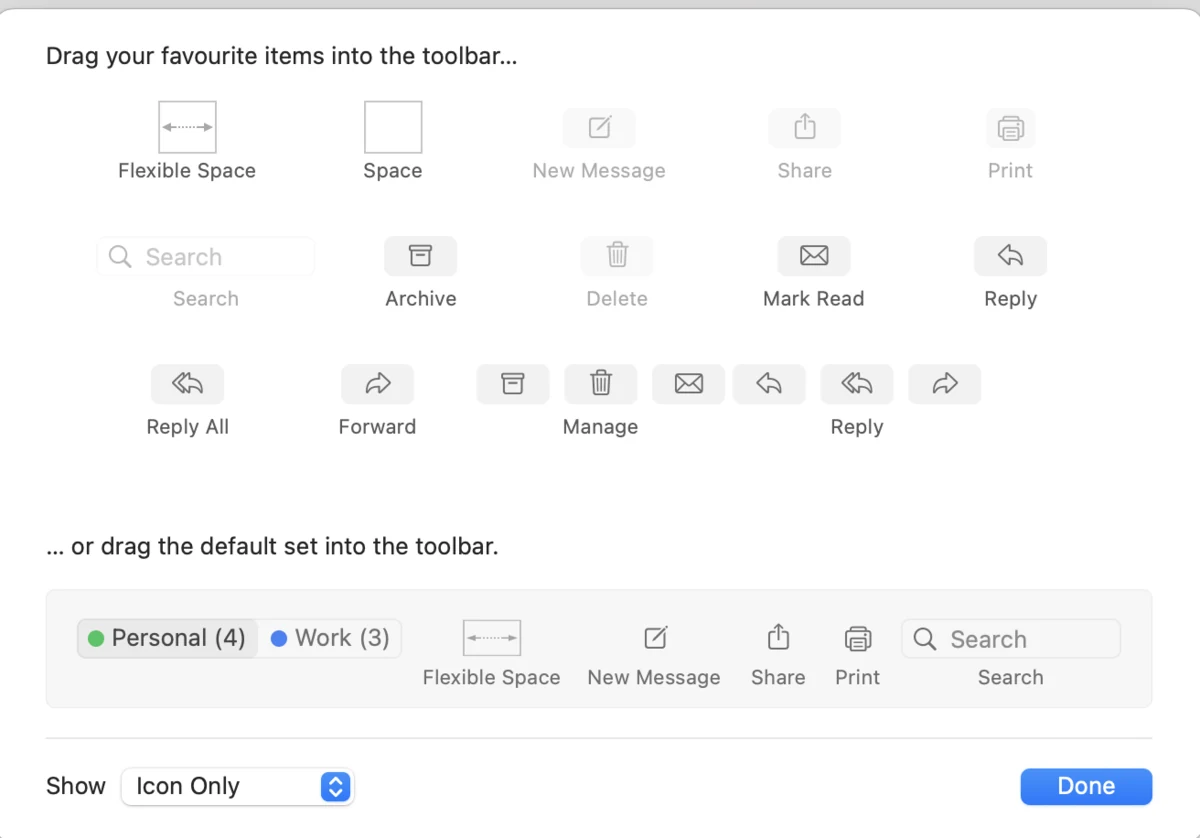
  • Drag the buttons into whatever order suits you, from View → Customise Toolbar…
  • Take out the ones you never press, or add the ones you want.
The Customise Toolbar sheet, with toolbar items laid out ready to drag into place

It works with everything else

Magimail integrates Gmail with the rest of your Mac, including all your other apps.

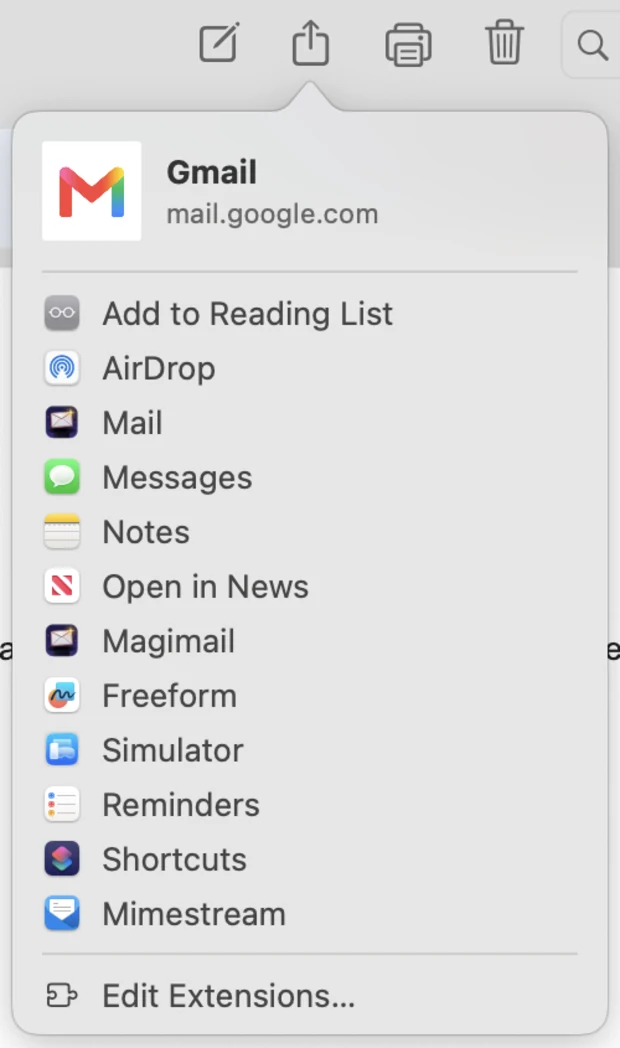
  • Share into Magimail: a file from Finder, a page from Safari, and a compose window opens with it already attached.
  • Share an email to Messages, Notes, Reminders or anywhere else the Share Sheet reaches, or export a thread as a PDF for filing.
  • Make it your Mac's mail app, and an email link anywhere opens a compose window here instead of a browser tab, sending from whichever account you pick.
The macOS share menu with Magimail listed alongside Mail, Messages, Notes and Reminders

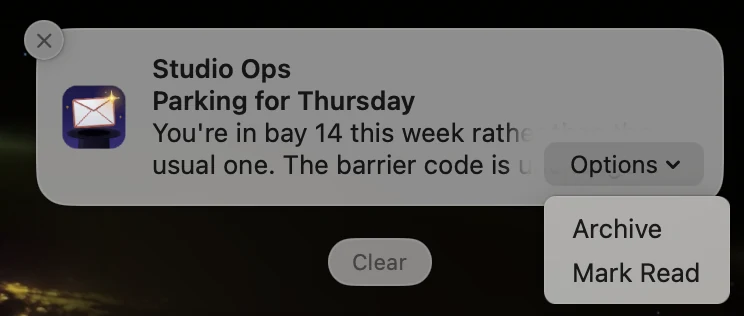
Archive it from the notification

Manage your email from the banner without opening the app, or jump straight to the thread.

  • Gmail's own notifications are all or nothing. Here you can have Primary loud, Updates silent and Promotions badge-only.
  • Choose how often it checks for new mail, from every minute to every fifteen, depending on what you want from your battery.
A Magimail notification banner with its Options menu open on Archive and Mark Read

One glance is enough

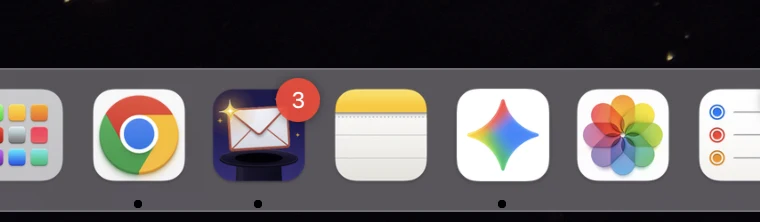
The badge on the Dock icon shows the total unread count across all your inboxes.

  • No need to open three windows to find out whether anything has arrived.
  • Updates in the background, even when the account is asleep.
The Dock, with Magimail carrying a badge of seven unread messages

Work can wait until Monday

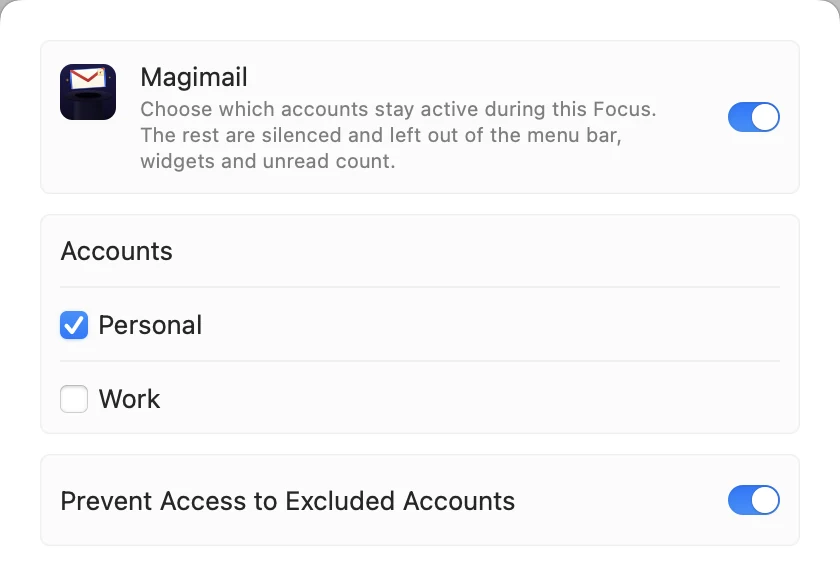
For each Focus, set which accounts you want to be notified for and which you don't.

  • Muted accounts stop notifying, and are hidden from the menu bar, the widgets and the number on the Dock.
  • Choose whether you can still get to them while the Focus is on, or have them greyed out until it ends.
The macOS Focus settings for Magimail, with Personal ticked and Work left out

The full Gmail experience

Magimail supports every feature Gmail supports in the browser, and new features arrive the day Google ships them. All you do is sign in.

No accounts to make, no servers in the middle

Sign-in
Your ordinary Google sign-in
License
Free and open source on GitHub
Accounts at once
As many as you like
Analytics & tracking
None
Our servers
None
Requires
macOS 14 or later, Apple silicon

Unread counts and new mail come straight from Google to your Mac, using the sign-in you already have, so there's nothing to set up and no permissions screen to approve. The settings window, the menu bar panel and the notifications run separately from the mailbox, so they stay quick even while a big inbox is still loading. Nothing about your mail goes anywhere except Google.

Register your interest

Magimail is coming soon. Leave your email address and we'll let you know when it's ready.

Requires macOS 14 Sonoma or later. Apple silicon only.